
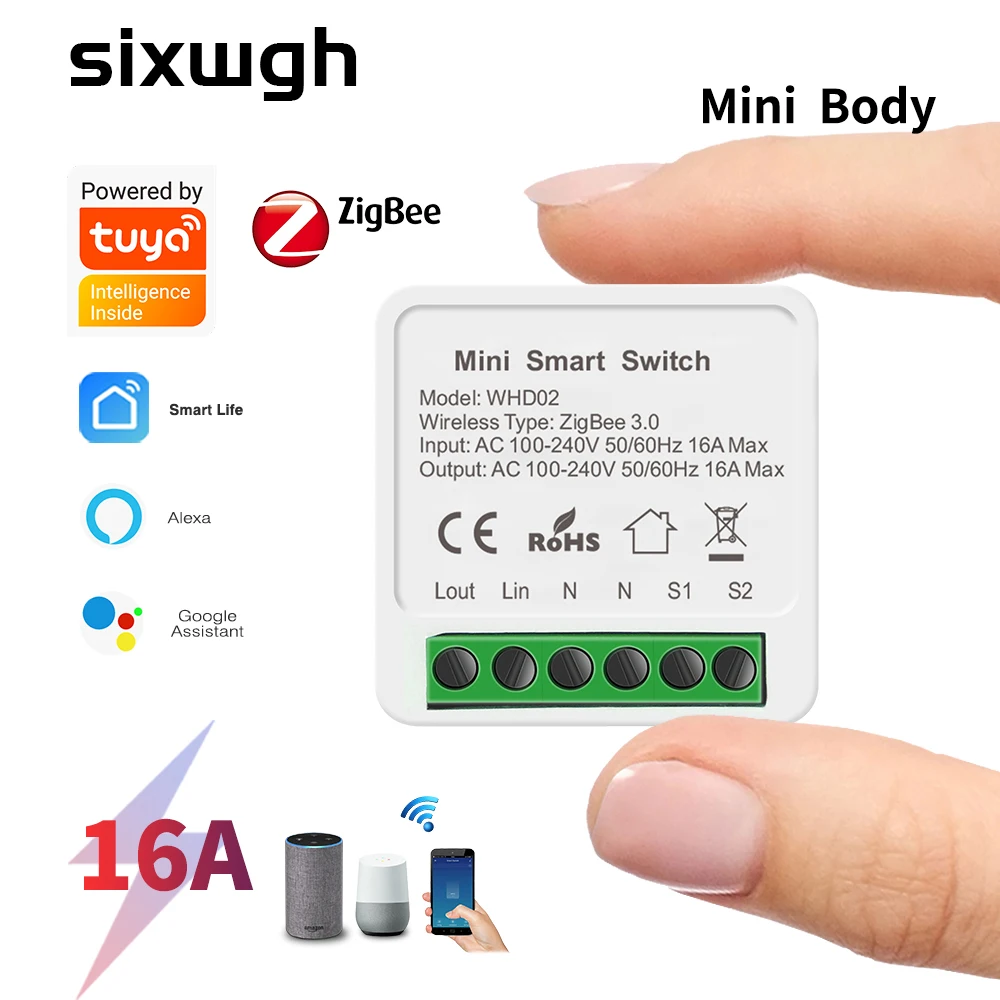
The Zigbee smart switch is a new type of smart switch designed based on the Zigbee3.0 protocol. Users can use other smart devices as needed to achieve whole-house intelligence. The opening and closing of the operation switch is automatically sensed through remote and sensor, which has the advantages of simple operation, high stability, strong anti-interference ability, and low power loss.
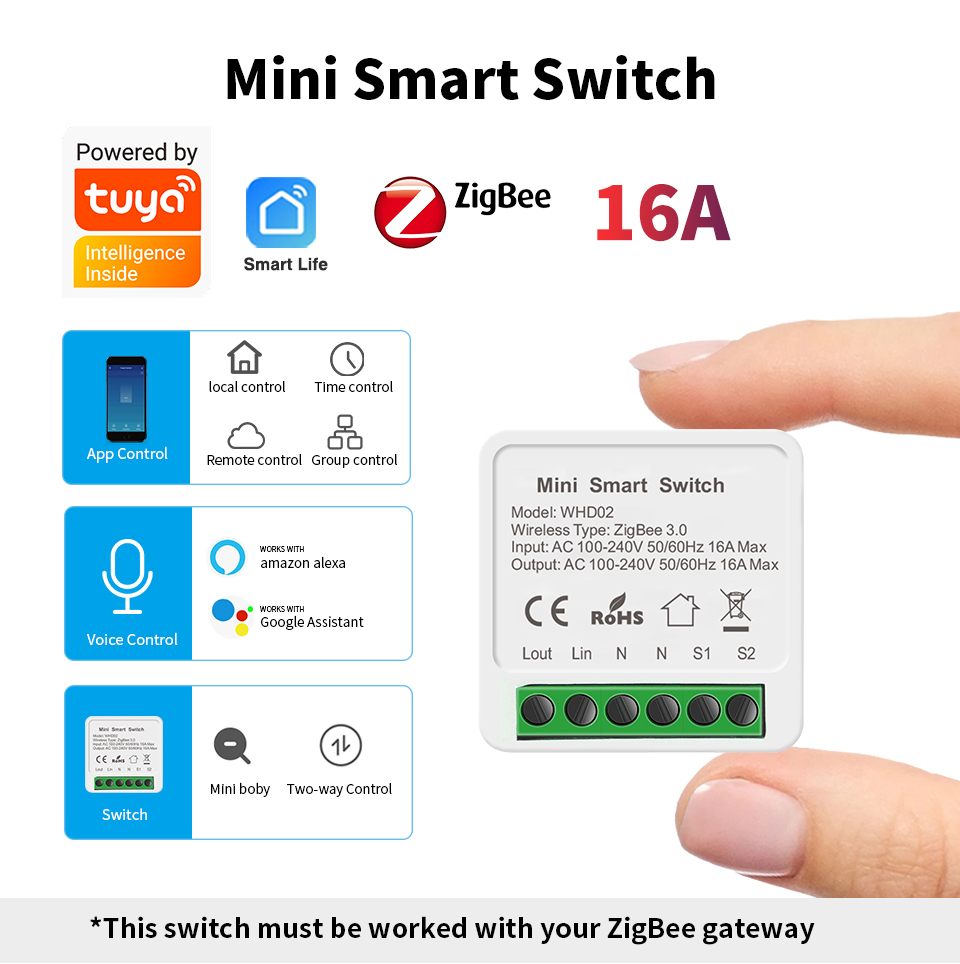
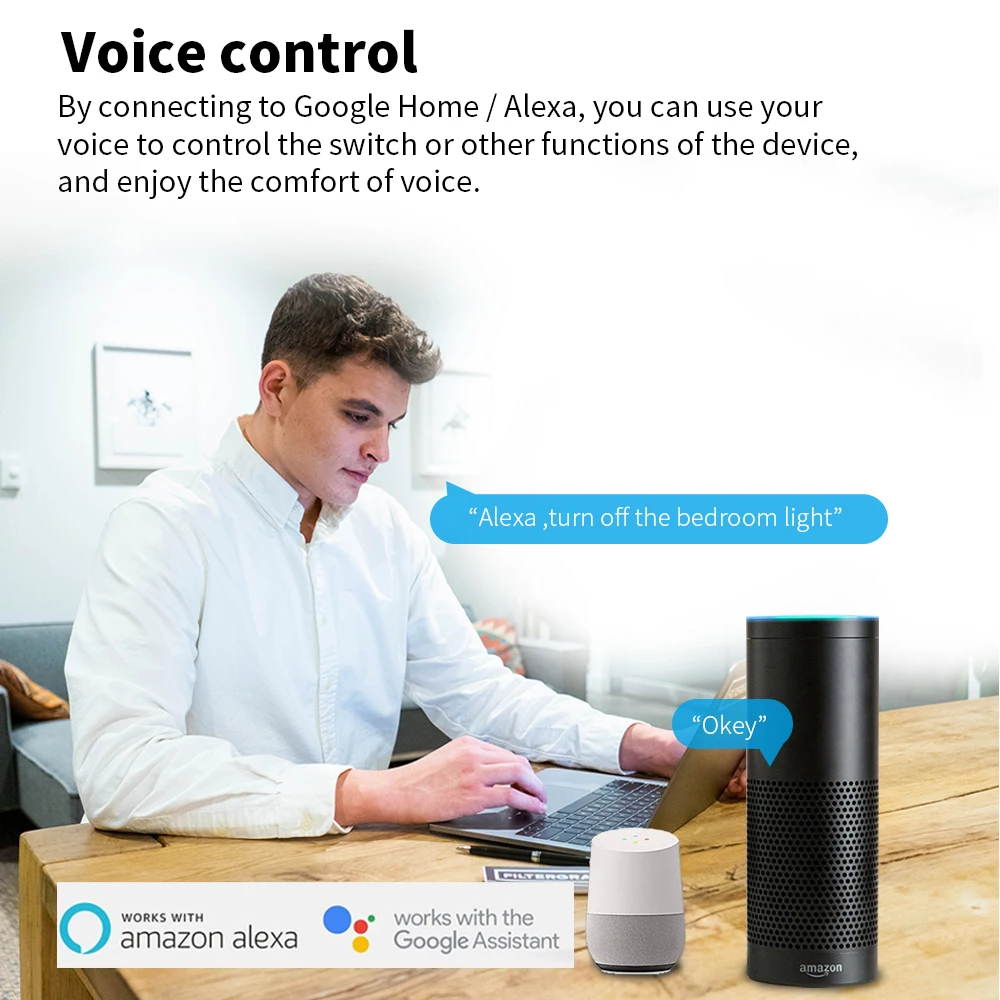
Features 1:Voice Control
The Zigbee smart switch is perfectly compatible with Amazon Alexa, Google Home, and so on. Just simply give a voice command to your Alexa or Google Home Assistant to control your devices.
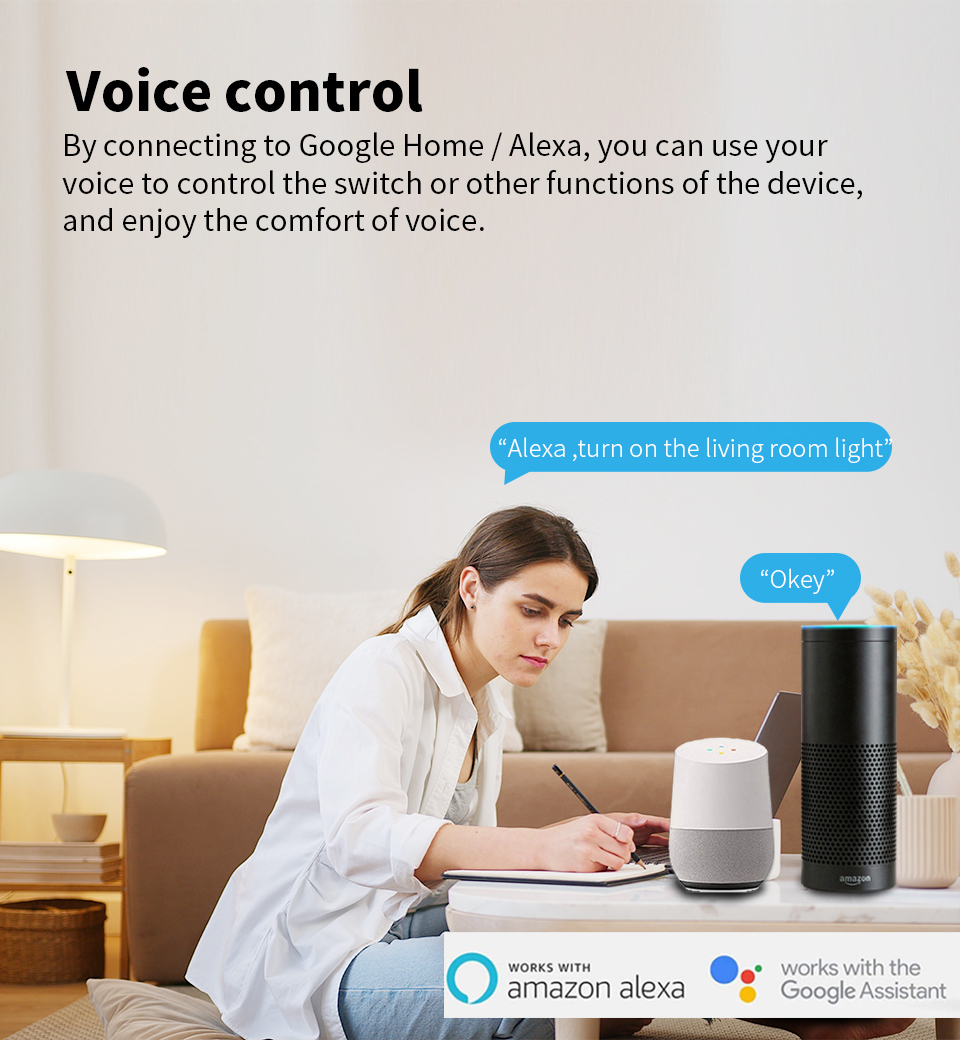
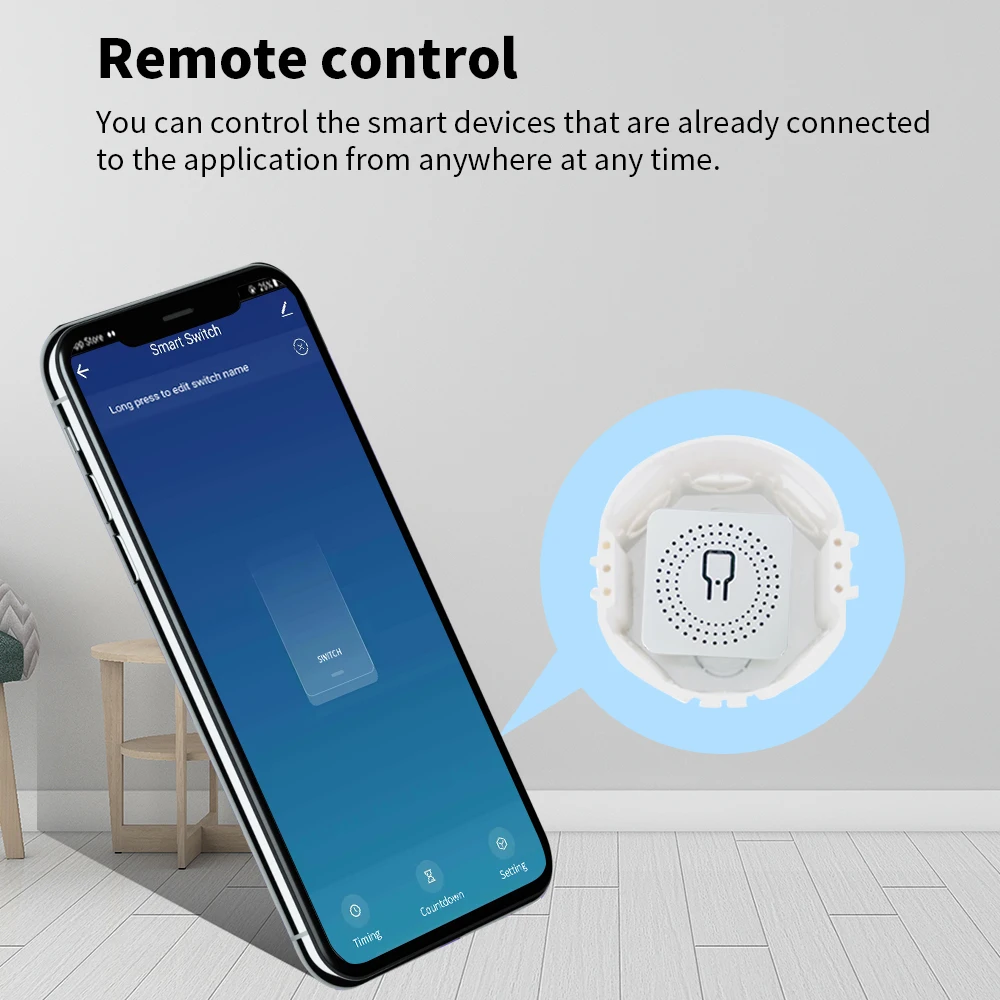
Features 2:App remote control by Smart Life/Tuya Smart
You can control the smart devices that are already connected to the application from anywhere at anytime
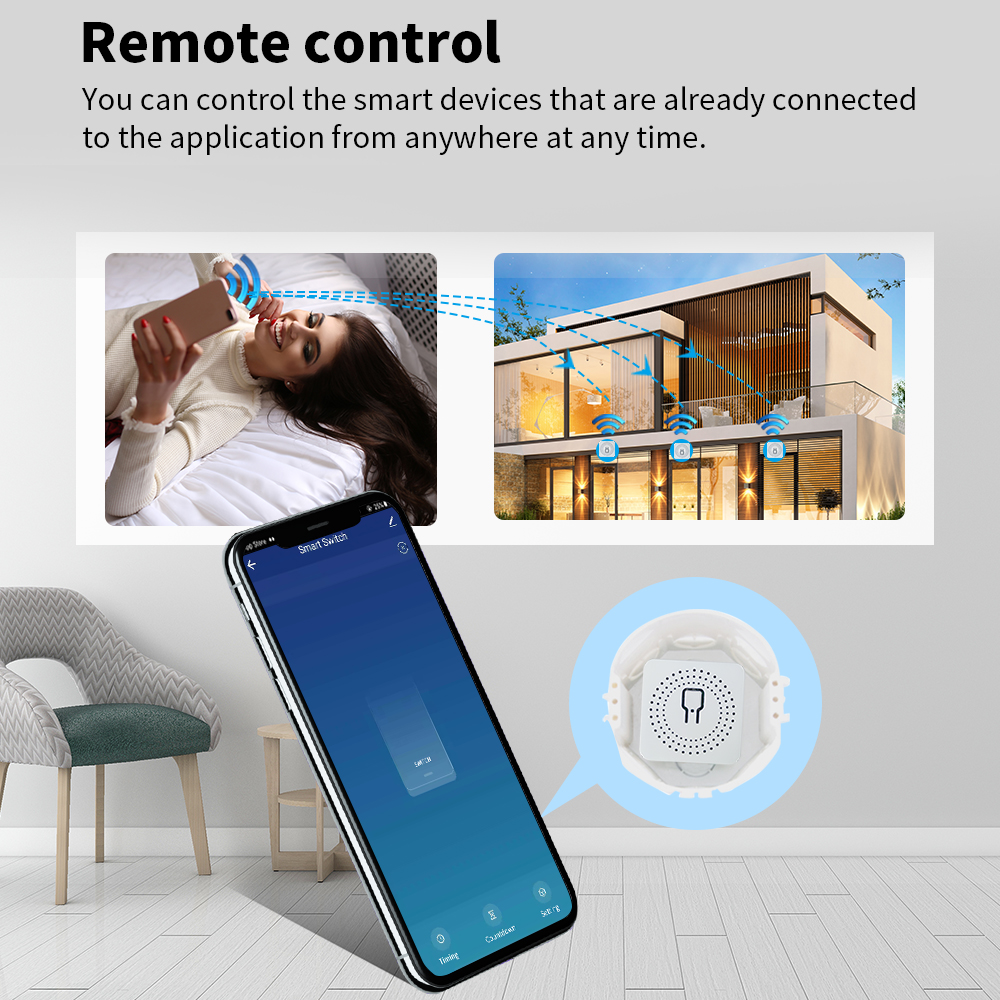
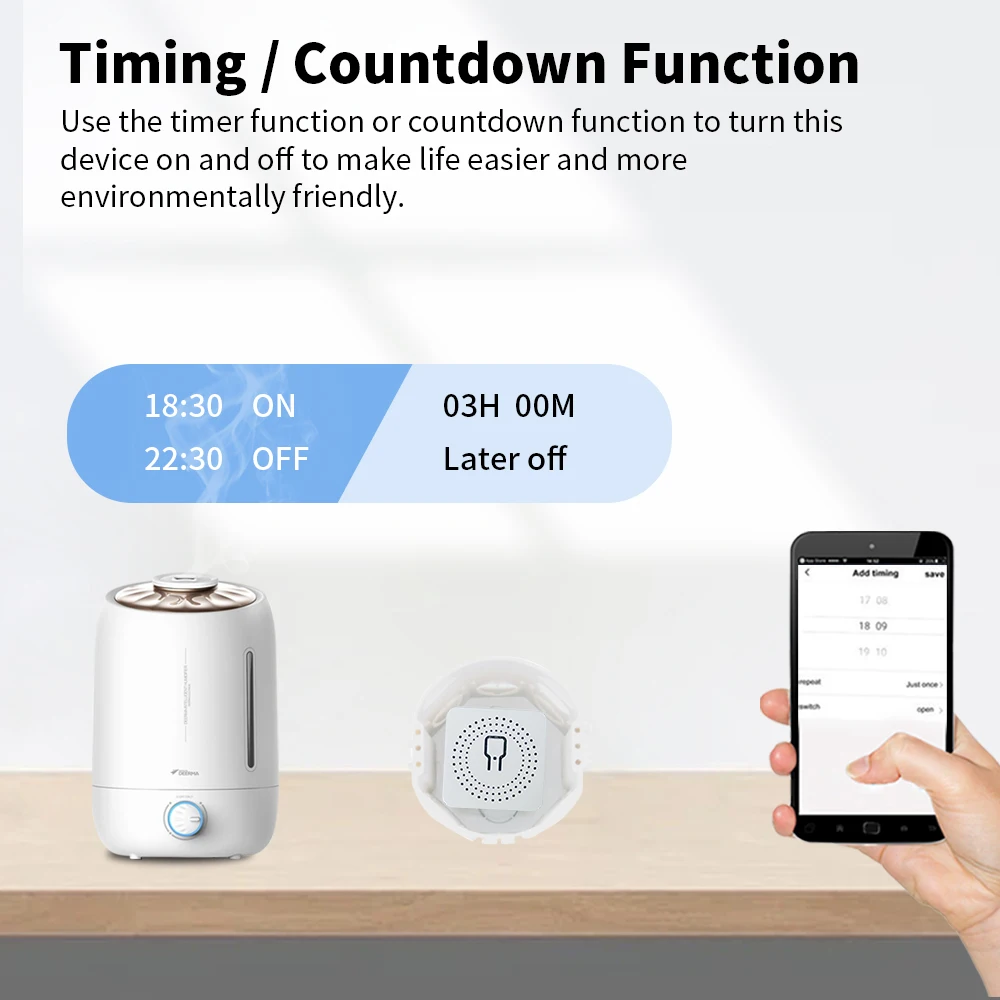
Features 3:Timing/Countdown/Schedule
It is very good for you to set up a time schedule to turn on/off your devices automatically by the app. The device will stop automatically.Don’t worry about the device working all the timeHelping you cut down electricity bills.
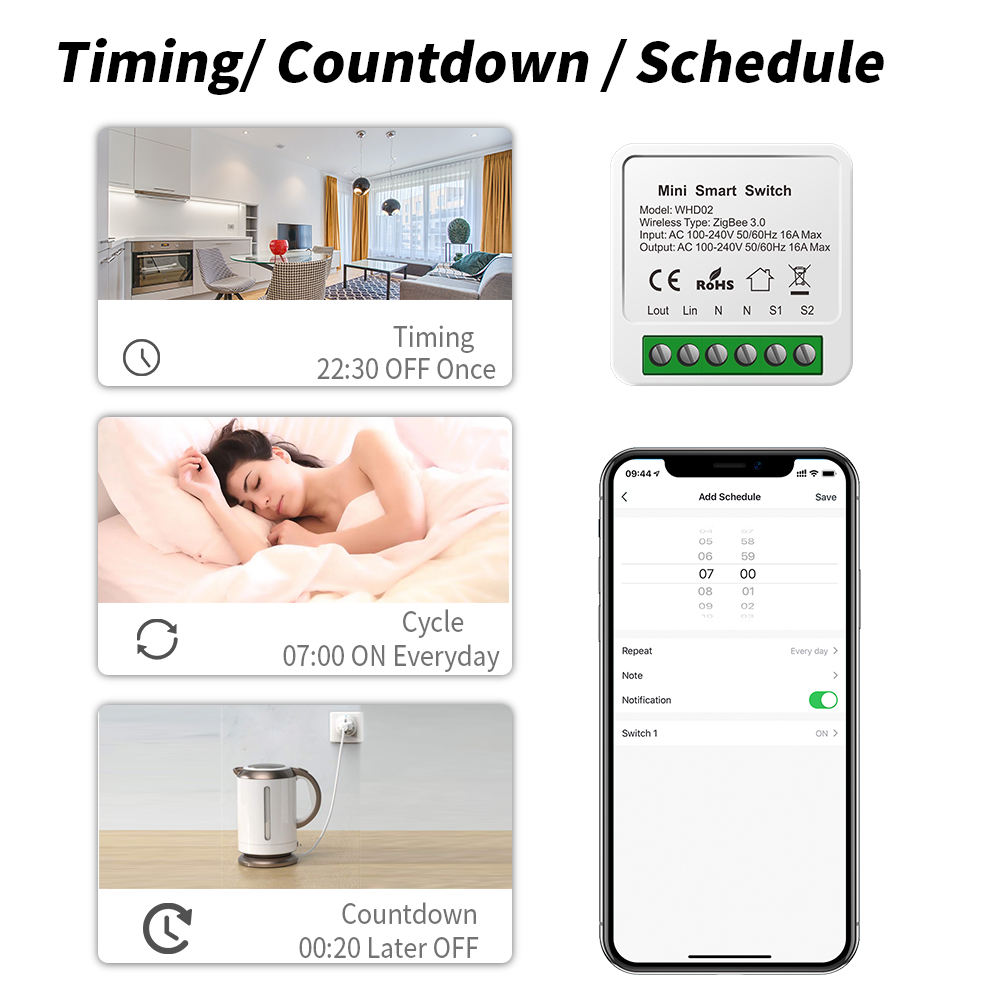
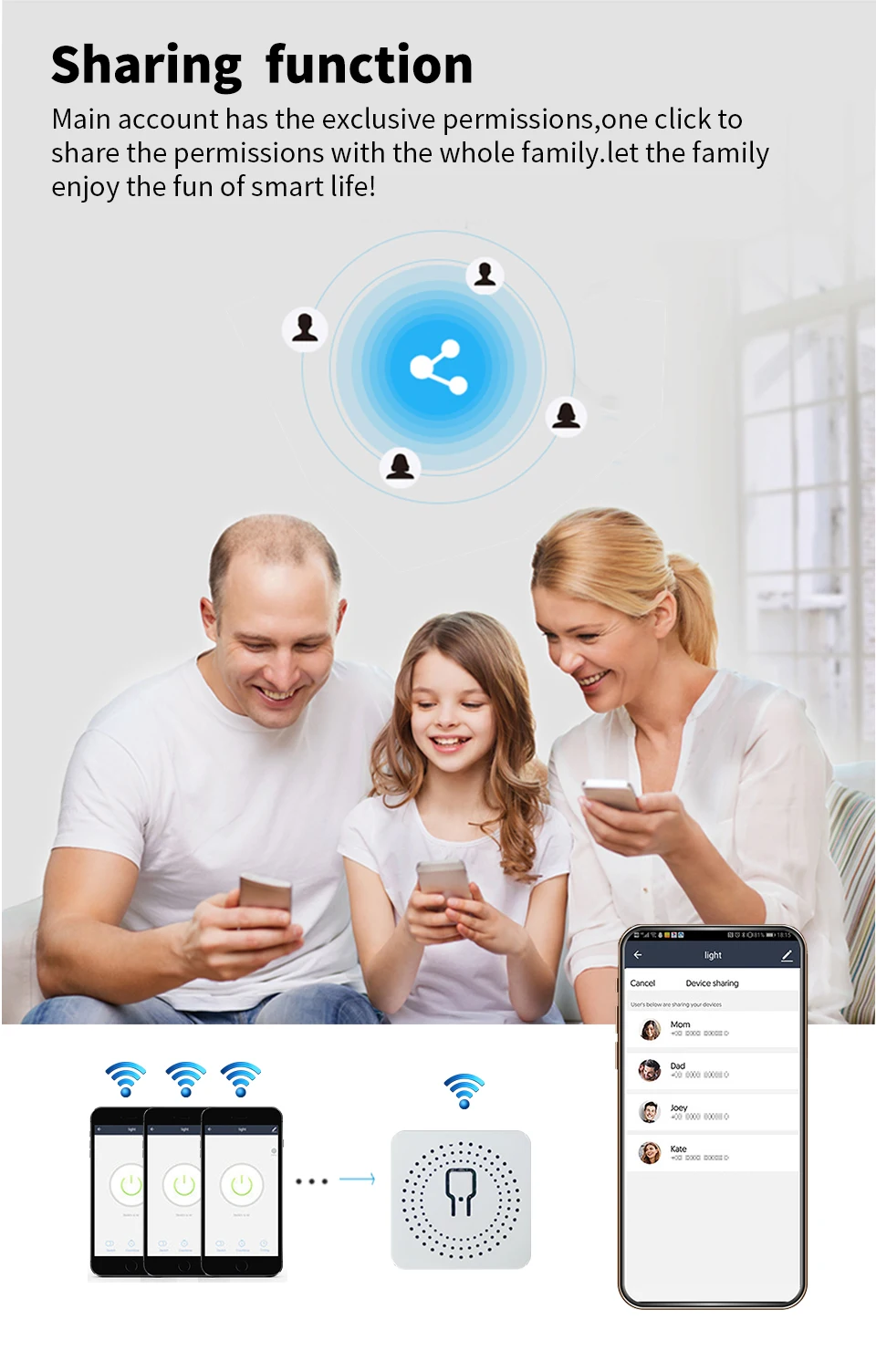
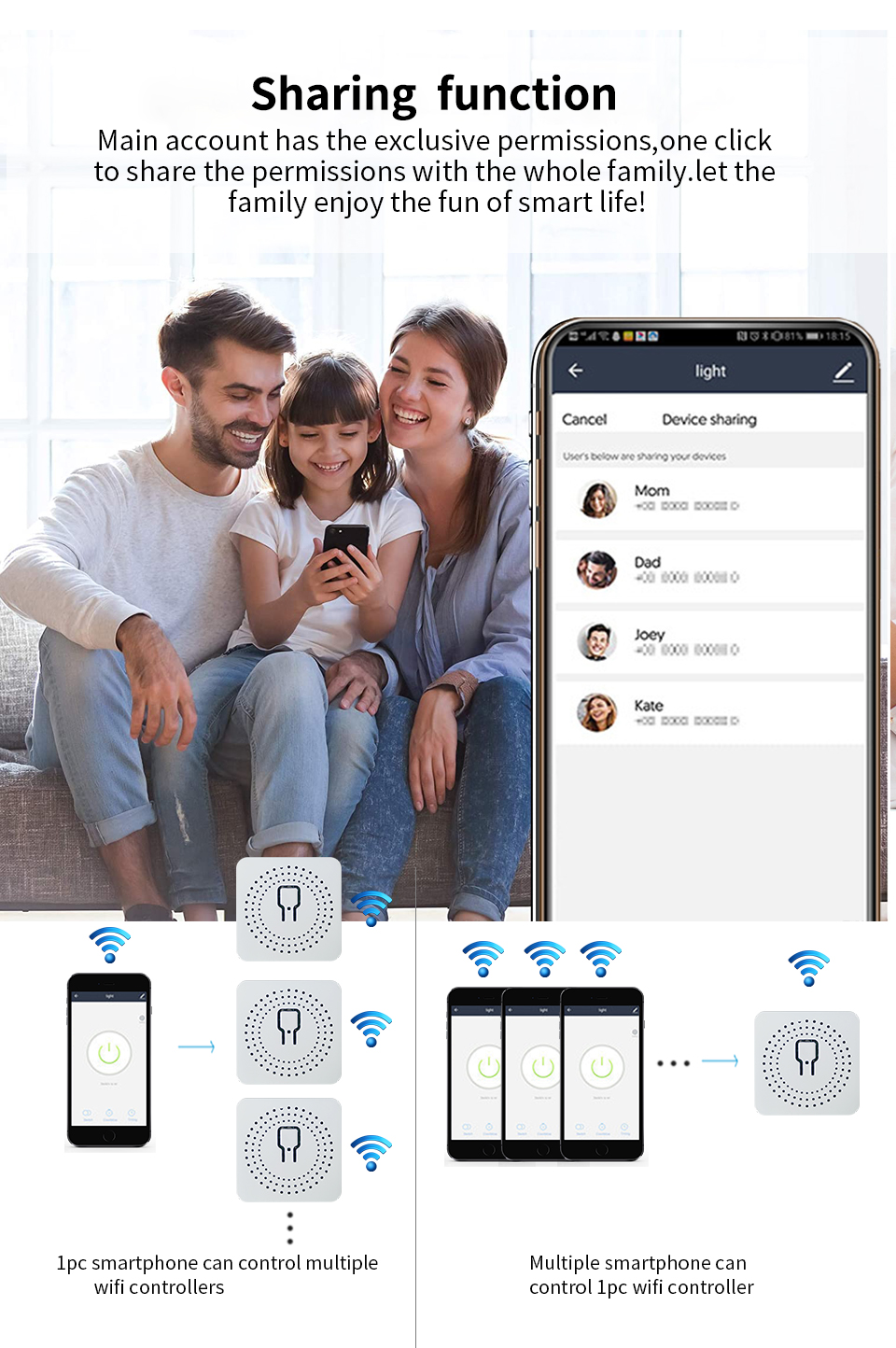
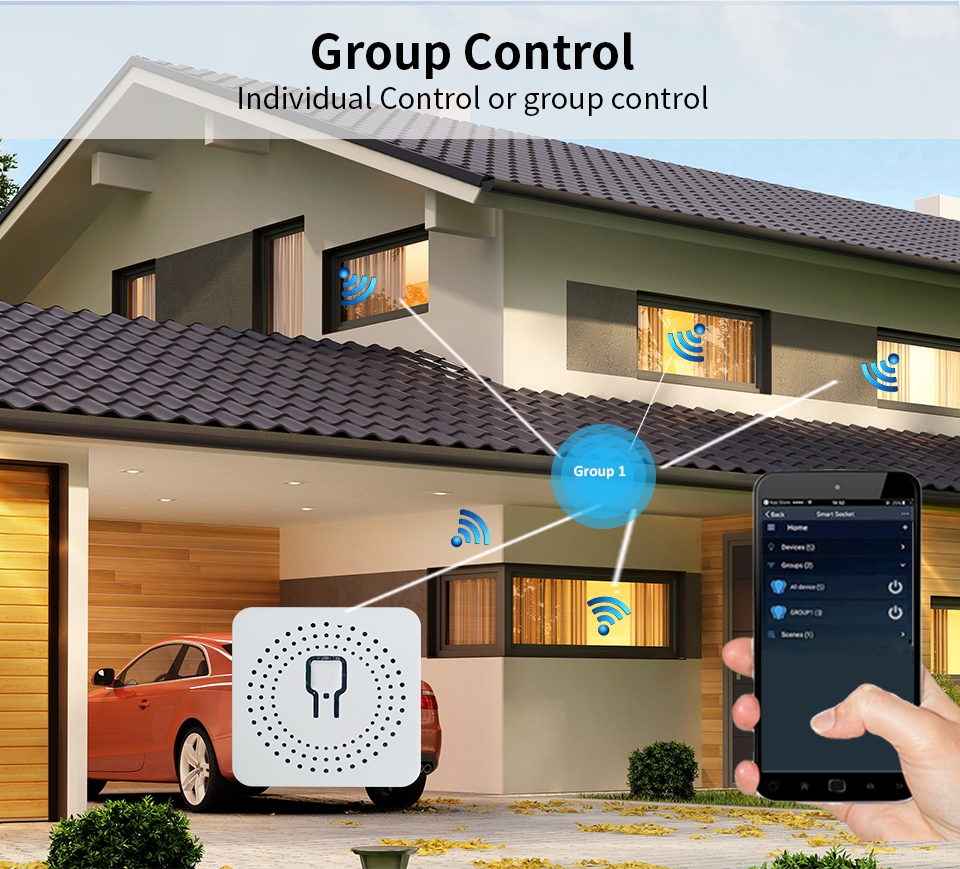
Features 4:SharinOne-tap to share the smart switch with your family member by the app to eliminate extra setup processes.Main account has the exclusive permissions,one click to share eht permissions with the whole family.let the family enjoy the fun of smart life!g&Group Control
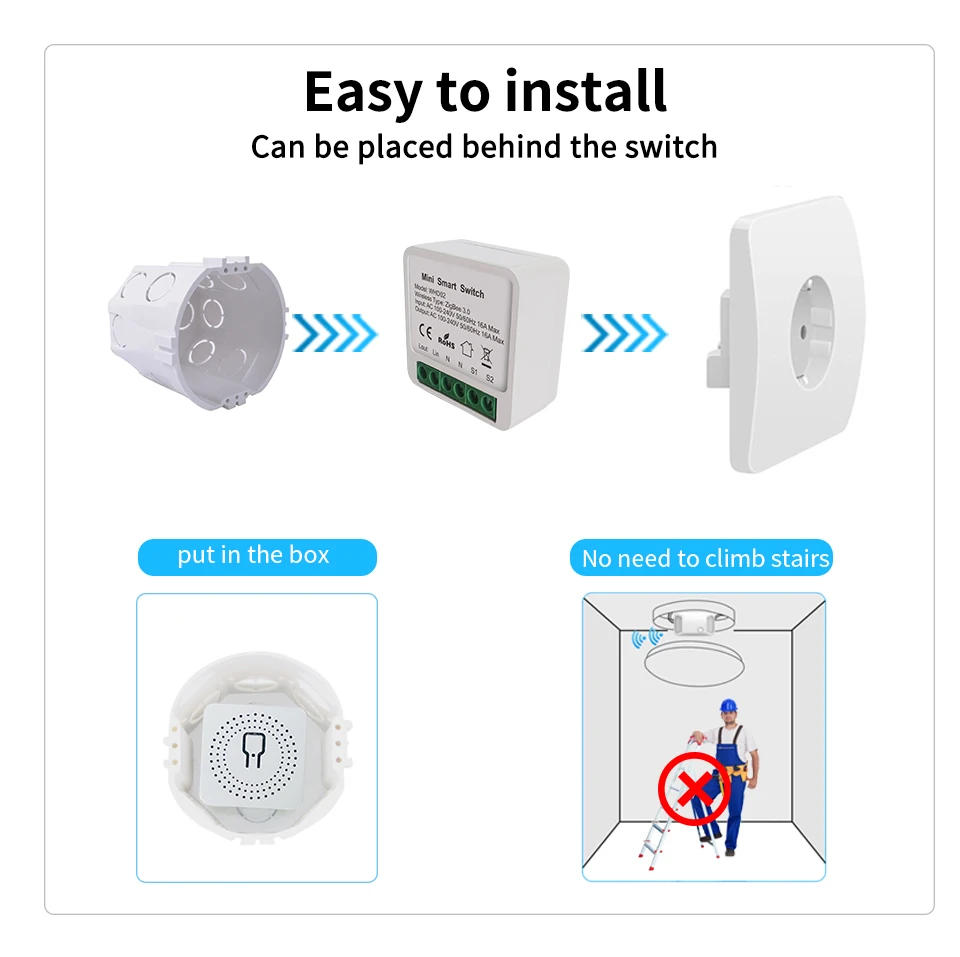
Features 4:Small size, easy to install
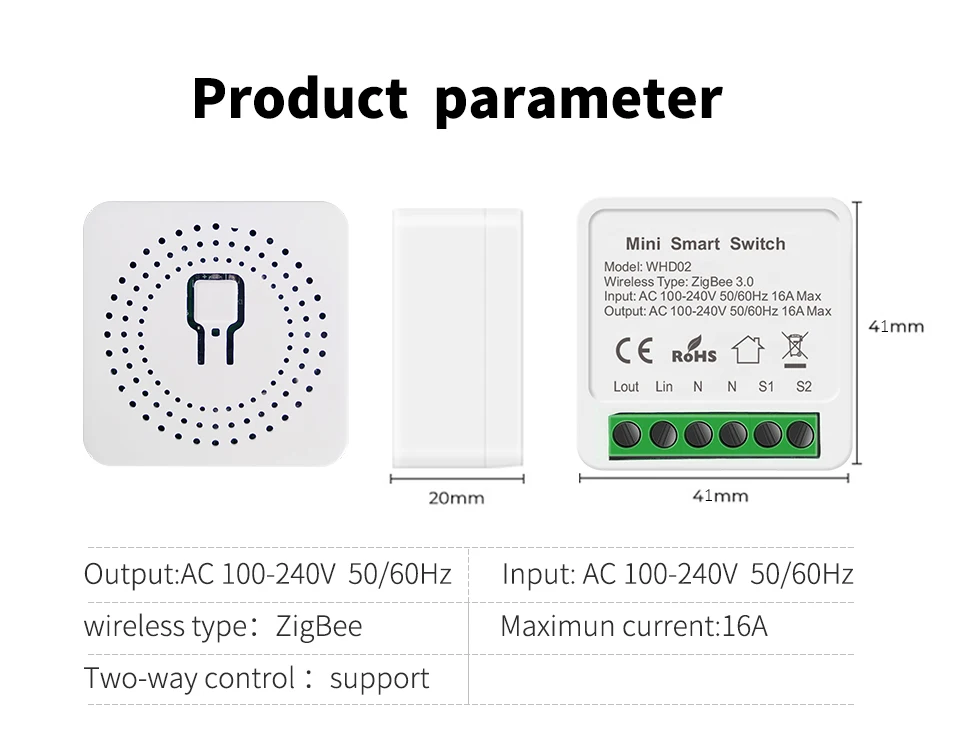
Product paremeter
Network access settings:
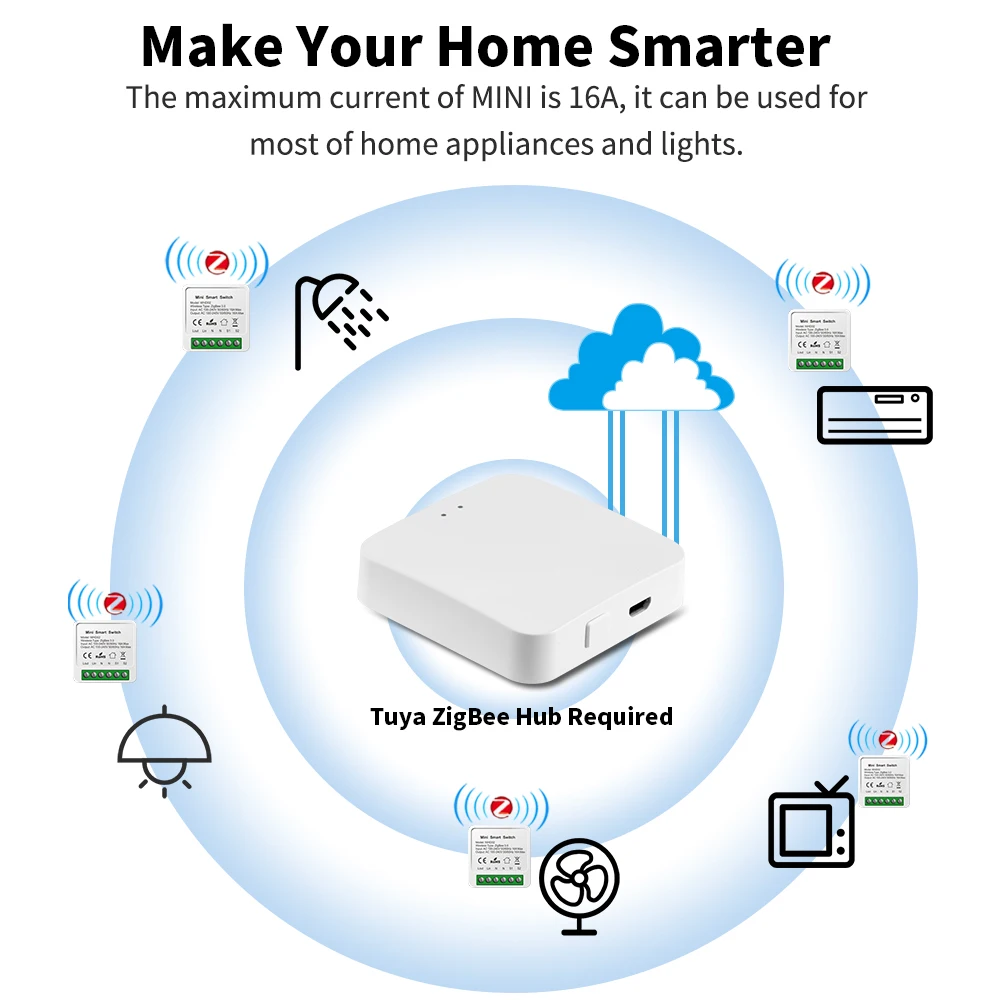
Note: You need to add a smart gateway before adding this device
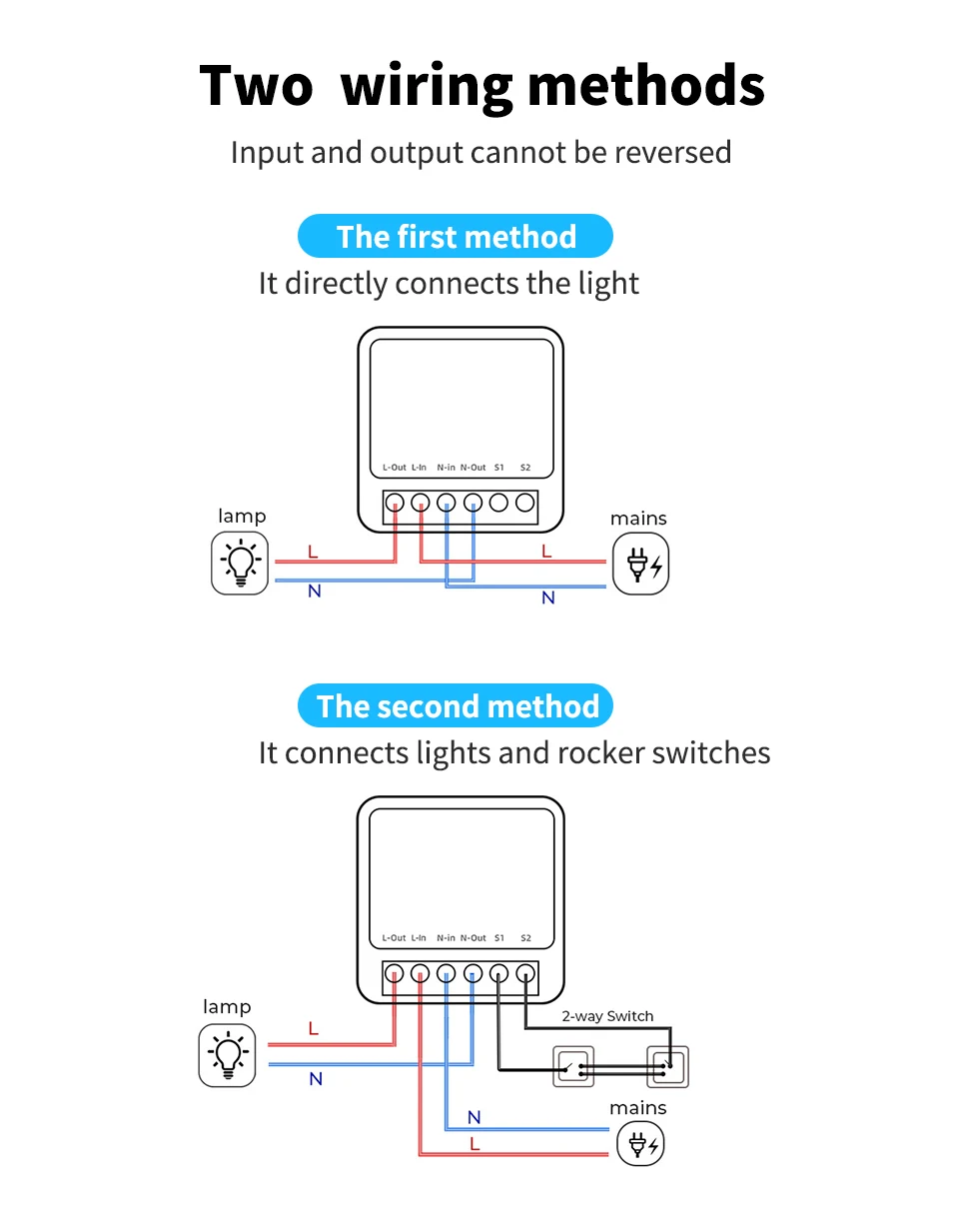
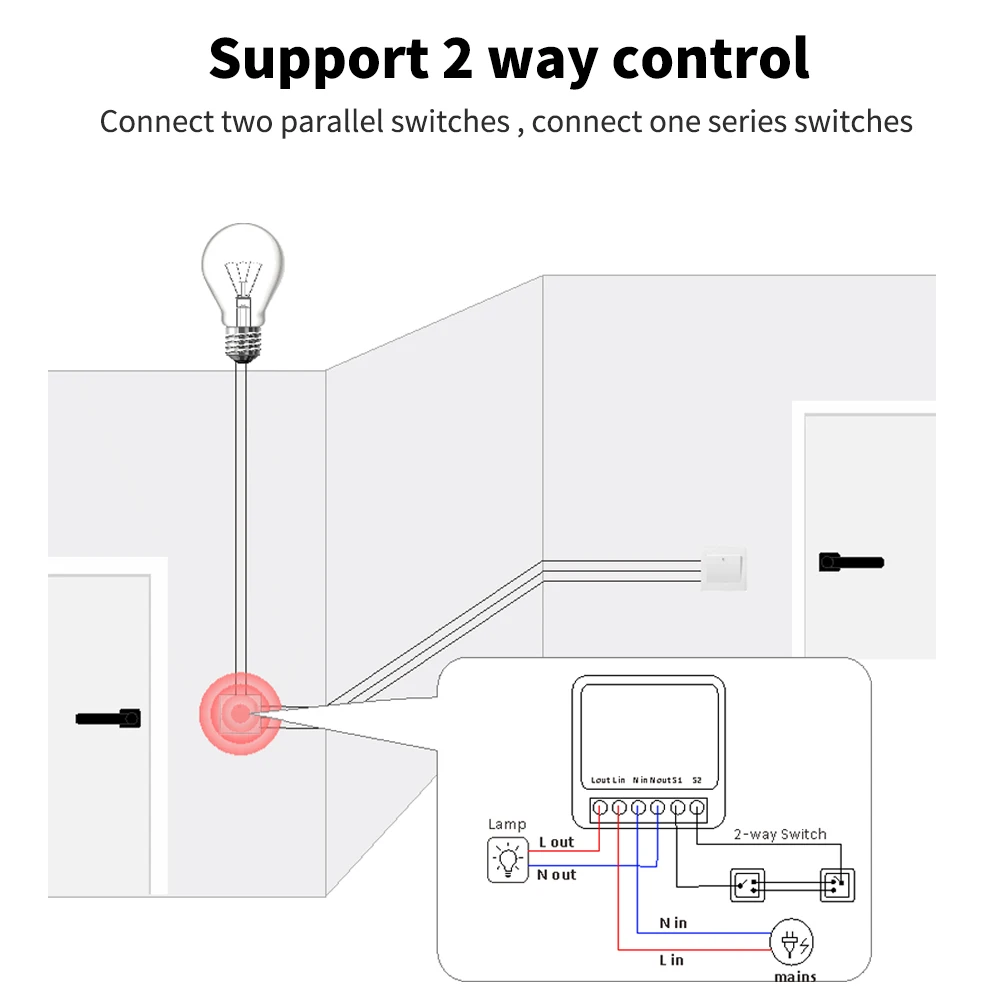
1. Connect the equipment to the power supply and connect the wires according to the wiring diagram.
2. It will automatically enter the network distribution mode when it is powered on for the first time, or press and hold the network switch button for more than 10 seconds, and the indicator on the back of the switch will flash to enter the network distribution mode. After the network is successfully configured, the network indicator will go out.
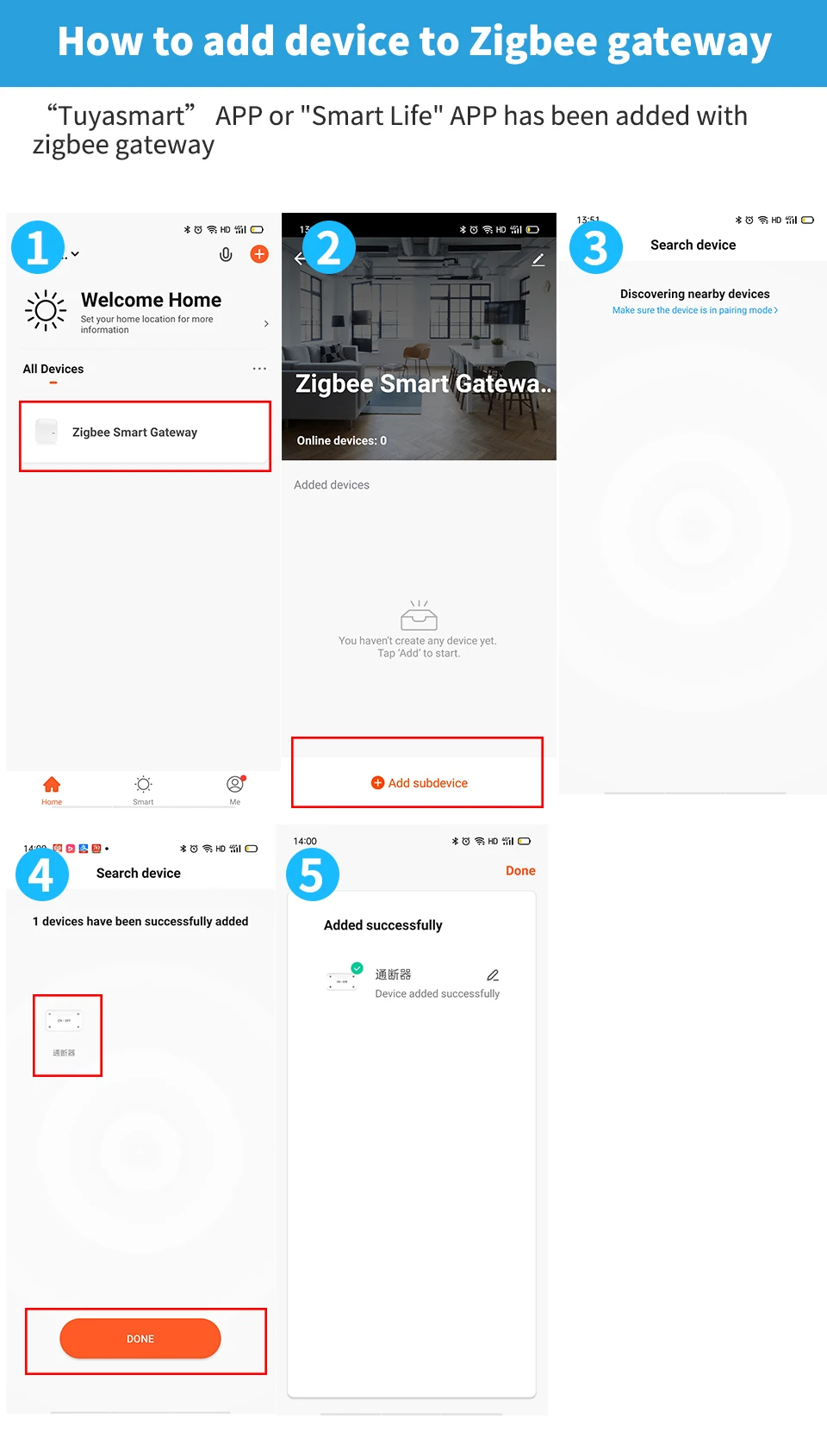
3. Open the Tuya APP or Smart Life APP, the “+” sign in the upper right corner of the motor homepage, click on “Zigbee Gateway” to add a sub-device, and select
Zigbee on-off device. Follow the prompts to complete the addition.
How to add device to Zigbee gateway
How to add device to mobile app
1.Scan the QR-code of the manual or Search ‘ Smart Life ‘ to download and install the device’s APP
2.After the wiring is completed, turn on the power and operate according to the status of the smart switch indicator:
3.If the red light of the smart switch flashes continuously at this time, it indicates that the smart switch has entered the state of waiting for connection to WiFi; then open the APP and follow the instructions to connect to WiFi.
4. If the indicator light of the smart switch is not flashing red light, please press the button of the smart switch and keep it for more than 5 seconds until the red light flashes continuously, then open the APP and connect to the WiFi according to the manual.
One-tap to share the smart switch with your family member by the app to eliminate extra setup processes.Main account has the exclusive permissions,one click to share eht permissions with the whole family.let the family enjoy the fun of smart life!
Features 4:Small size, easy to install
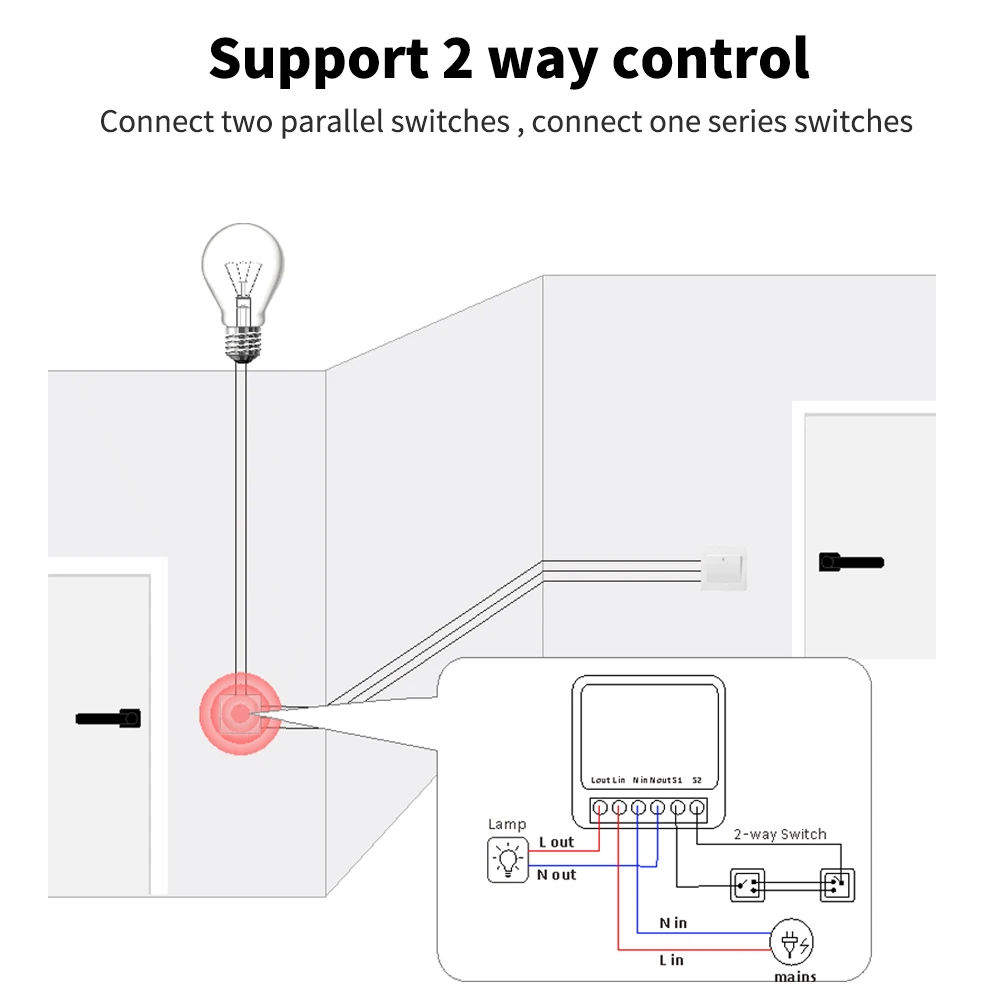
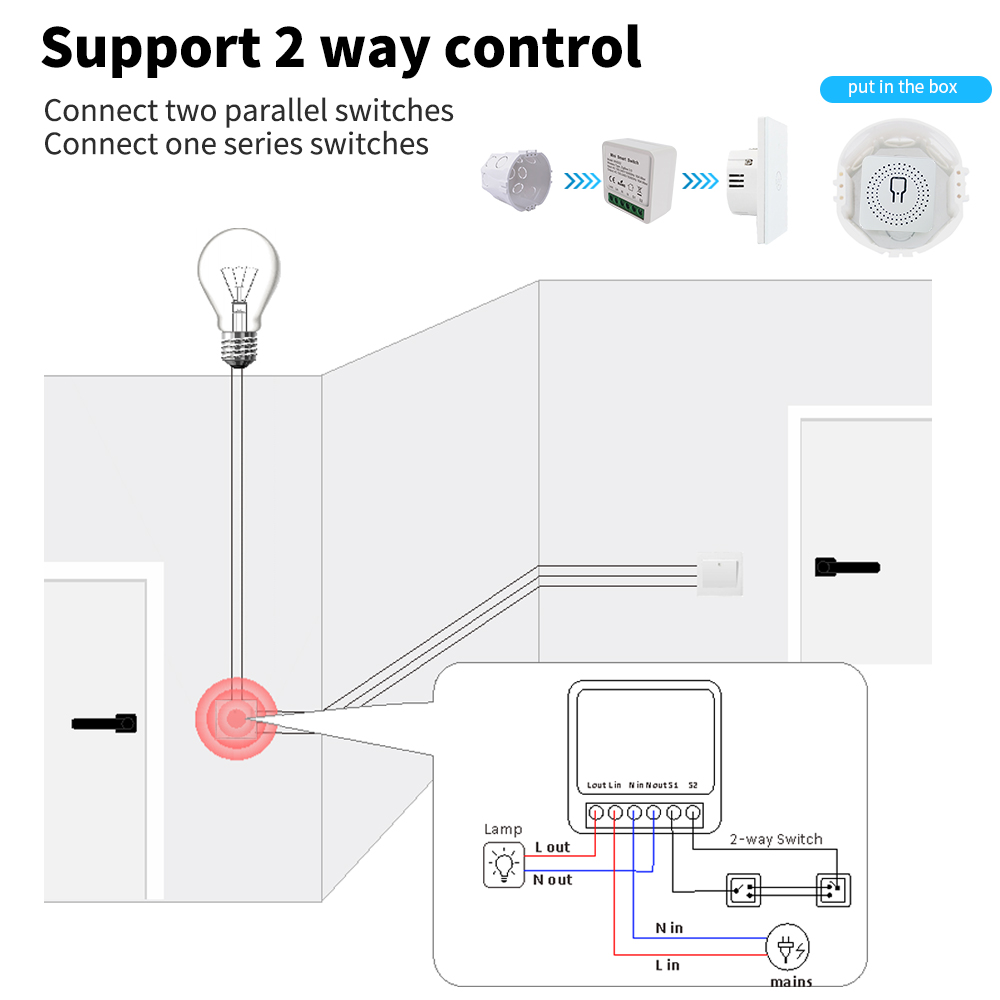
Support 2 may control
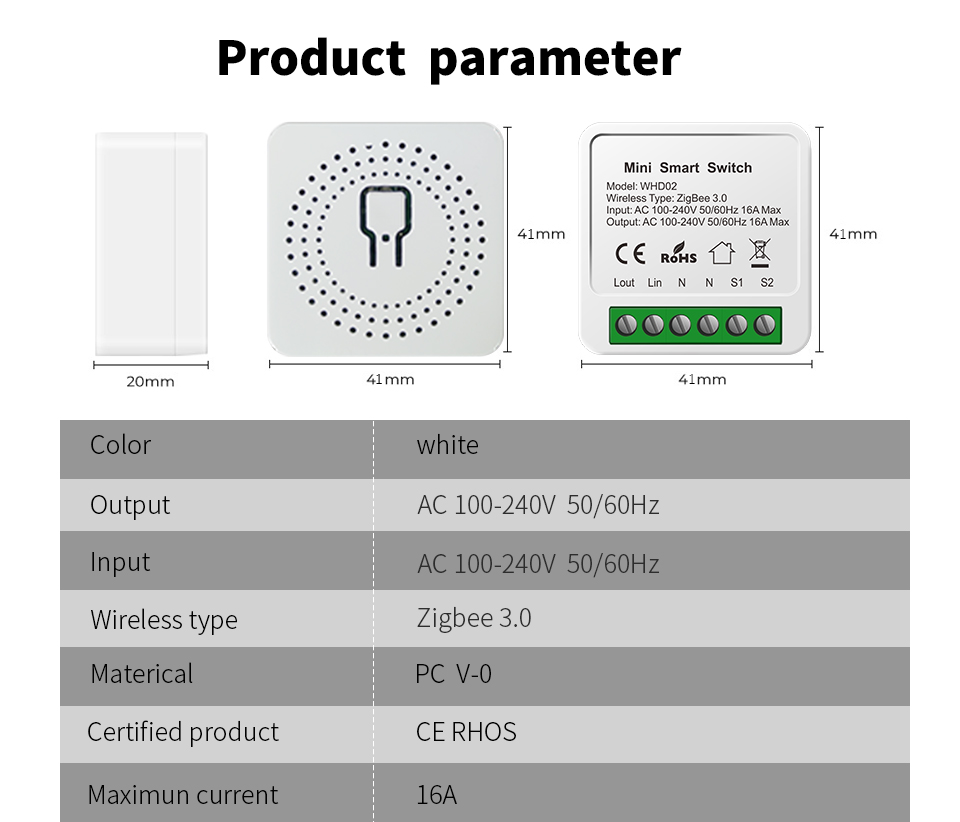
Product paremeter
Network access settings:
Note: You need to add a smart gateway before adding this device
1. Connect the equipment to the power supply and connect the wires according to the wiring diagram.
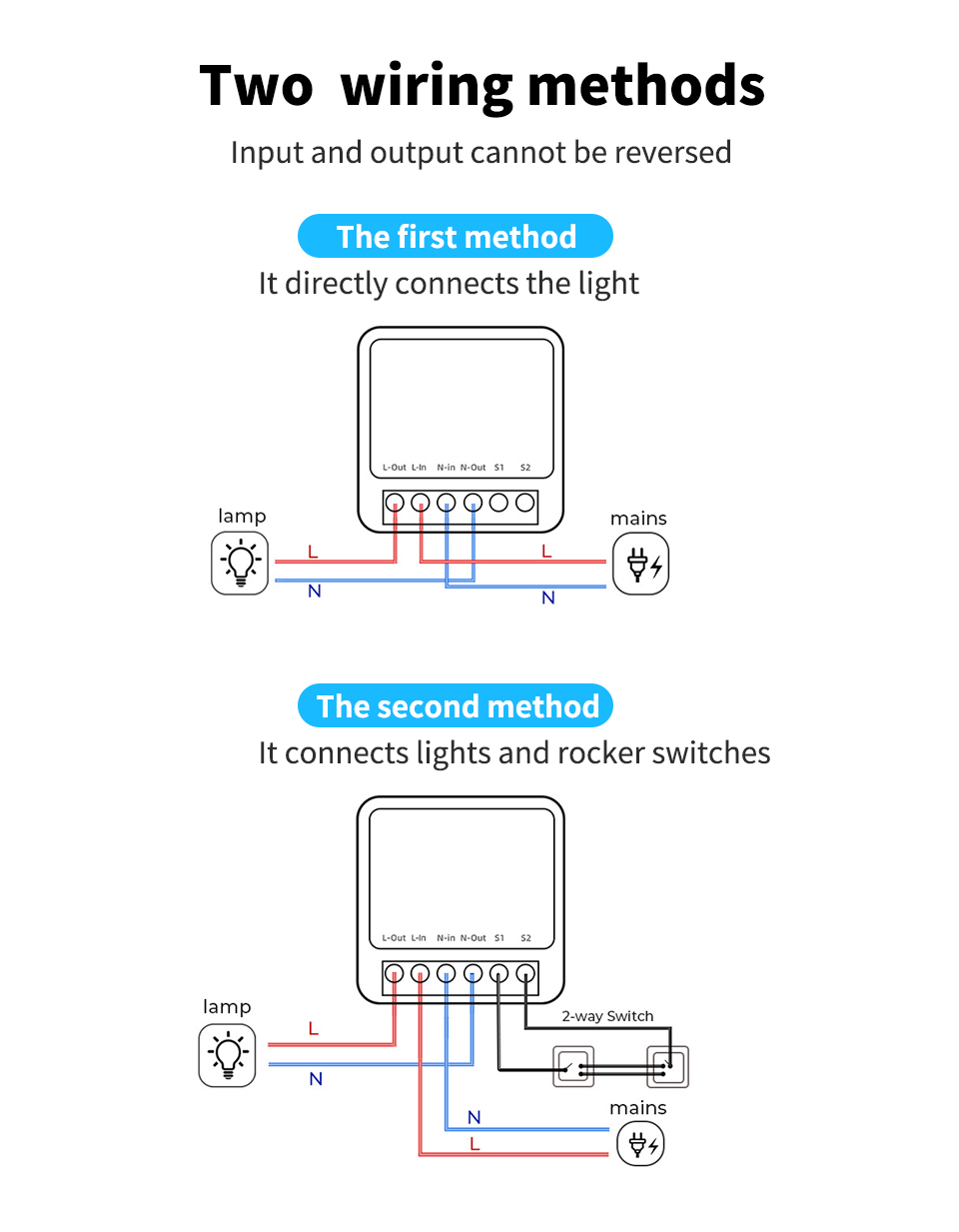
2. It will automatically enter the network distribution mode when it is powered on for the first time, or press and hold the network switch button for more than 10 seconds, and the indicator on the back of the switch will flash to enter the network distribution mode. After the network is successfully configured, the network indicator will go out.
3. Open the Tuya APP or Smart Life APP, the “+” sign in the upper right corner of the motor homepage, click on “Zigbee Gateway” to add a sub-device, and select
Zigbee on-off device. Follow the prompts to complete the addition.
The product enters the code matching mode
How to add device to Zigbee gateway
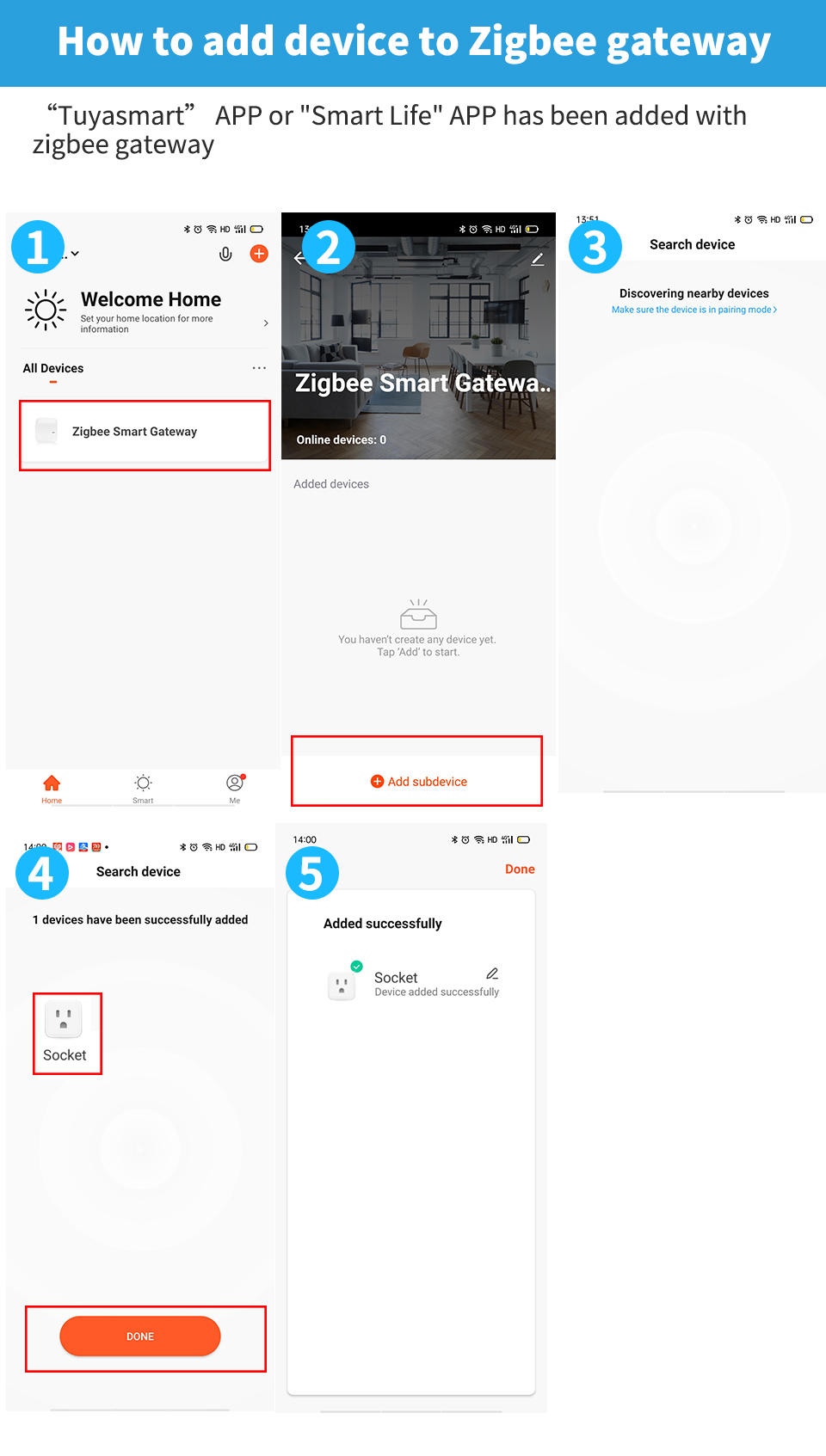
How to add device to mobile app
1.Scan the QR-code of the manual or Search ‘ Smart Life ‘ to download and install the device’s APP
2.After the wiring is completed, turn on the power and operate according to the status of the smart switch indicator:
3.If the red light of the smart switch flashes continuously at this time, it indicates that the smart switch has entered the state of waiting for connection to WiFi; then open the APP and follow the instructions to connect to WiFi.
4. If the indicator light of the smart switch is not flashing red light, please press the button of the smart switch and keep it for more than 5 seconds until the red light flashes continuously, then open the APP and connect to the WiFi according to the manual.
| سایر مشخصات | ||
|---|---|---|
| ||
برای ثبت دیدگاه، لازم است ابتدا وارد حساب کاربری خود شوید. اگر این محصول را قبلا از این فروشگاه خریده باشید، دیدگاه شما به عنوان مالک محصول ثبت خواهد شد.
هنوز پرسشی ثبت نشده است.
برای ثبت پرسش، لازم است ابتدا وارد حساب کاربری خود شوید
برای ثبت پرسش، لازم است ابتدا وارد حساب کاربری خود شوید


نقد و بررسیها50